---
description: How to set up a new instance of Automail?
---
# Installation
{% hint style="info" %}
Each Automail instance is linked to a dedicated fork of the main Automail GitHub repository. This allows keeping all instances up-to-date with the latest version of Automail while having instance-specific configuration files stored in their own repositories.
{% endhint %}
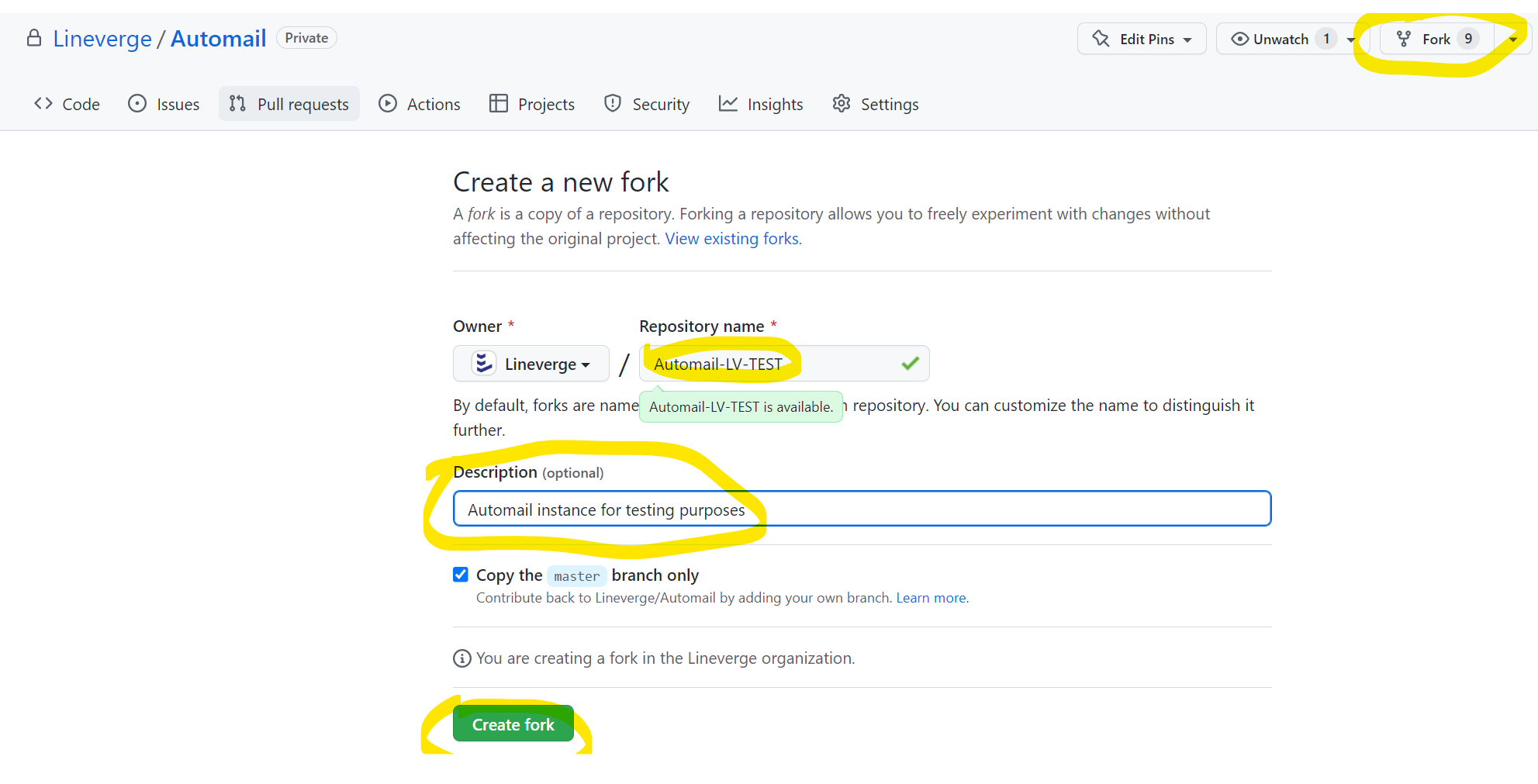
**First, check if no previous fork exists for your project.** If a fork exists, skip the step below and directly go to the [Local DEV installation](installation/local-dev).
If no prior fork exists for your project, then fork the main Automail repository with **Lineverge** as the owner and with the repository naming convention "**automail-**\[two letter client code]**-**\[project name without spacing]" with all characters lower case.